How to Fix Closed Eyes in Photo: The Ultimate AI Guide
Blinked in a perfect group photo? Don't delete it! Learn how to fix closed eyes in photos naturally using AI. Fast, free, and perfect for weddings or reunions.
Blinked? Here's How to Fix Closed Eyes in Your Favorite Photos (Without the Headache)
Let's be real: there is nothing more annoying than finally getting a group of people to look at the camera at the same time, only to realize later that one person - usually you - decided to blink right as the shutter clicked.
We've all been there. You look great, the lighting is perfect, the background is iconic, but you've got your eyes half-closed like you're taking a mid-photo nap.
Usually, that's a "deleted photo" moment. But before you hit the trash icon, I've got some good news. With the AI tools we've built at aifacesswap.com, you can actually "unblink" those photos in about thirty seconds. Here's the lowdown on how to save your ruined shots.
So, Why Does This Always Happen?
It's usually just bad luck - or a sensitive reaction to the flash. Some people are just "natural blinkers." And if you're trying to fix a group photo, the odds are even worse. If you have five people in a shot, there's a nearly 100% chance someone's eyelids are at least halfway down.
Instead of spending three hours watching Photoshop tutorials on "manual retouching" (which, let's face it, usually looks creepy anyway), you can let AI do the heavy lifting.
The "Save My Photo" Workflow: A Step-by-Step
If you have another photo of the person with their eyes open (a "reference shot"), you're basically halfway there. Here is how to make the magic happen:
1. Upload the "Ouch" Photo
Head over to our tool and drop in the photo you want to fix. This is your "target" image.
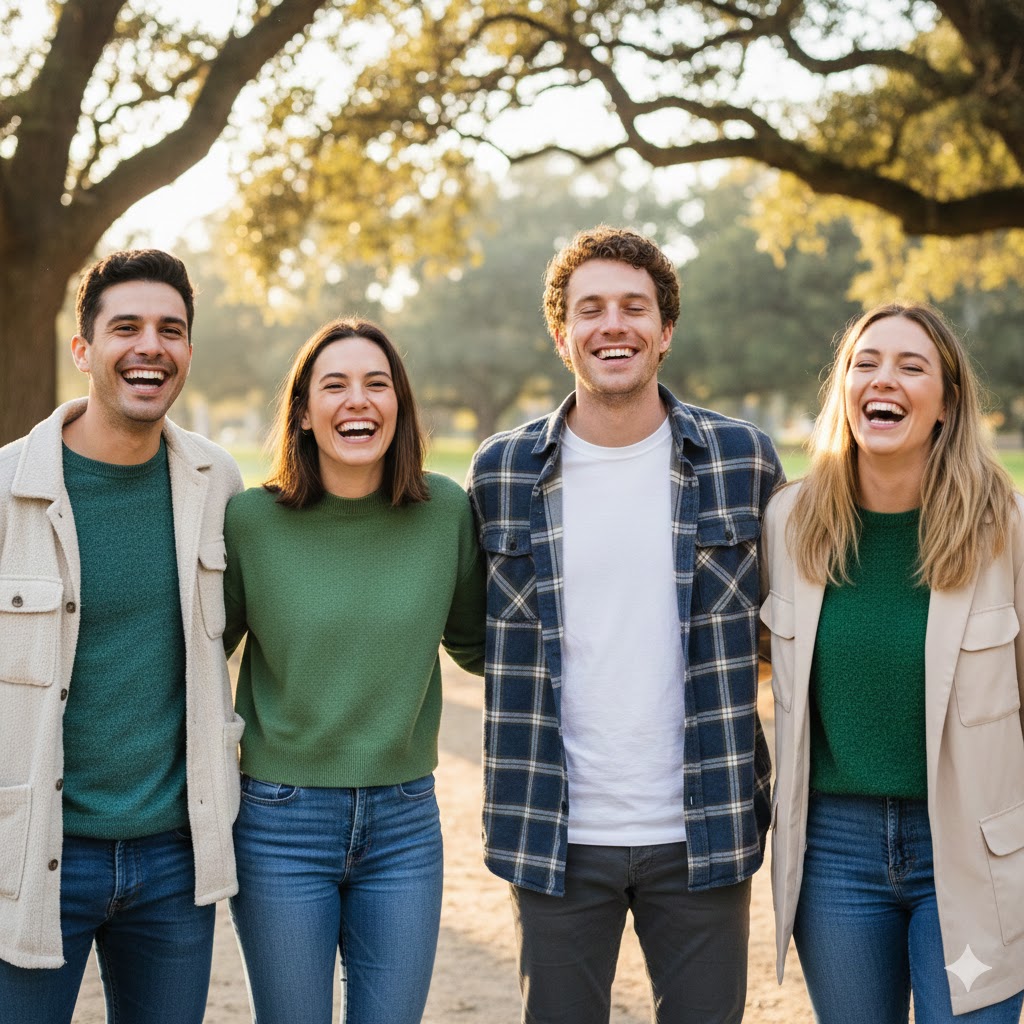
2. Let the AI Find the Faces
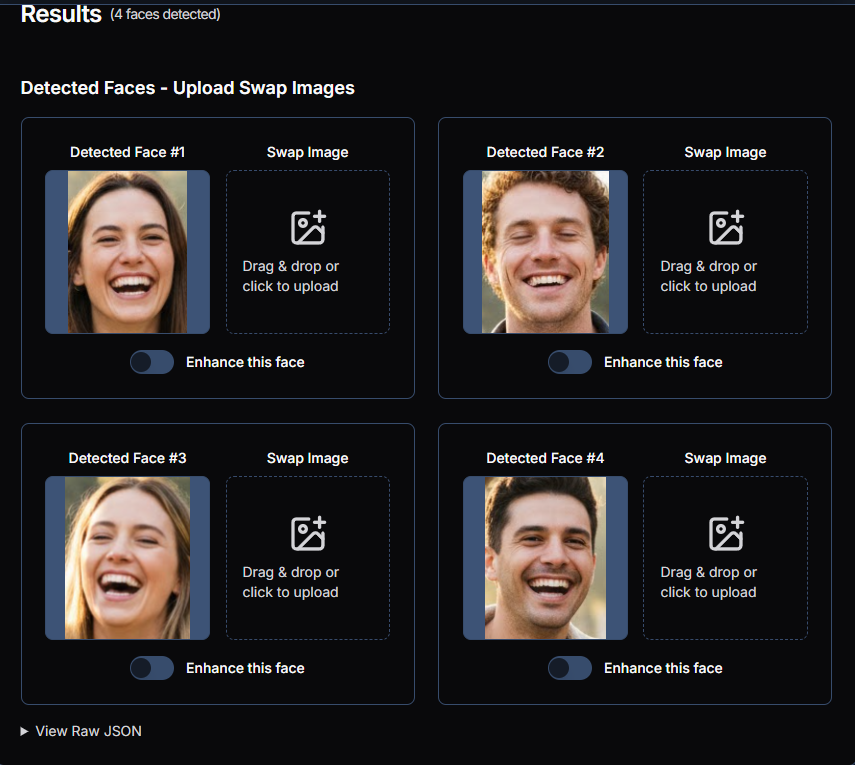
Our tech scans the image instantly. If it's a big family reunion shot, it'll find everyone. Just click on the face that needs a little "eye-opening" surgery.
3. Pick Your "Good" Photo
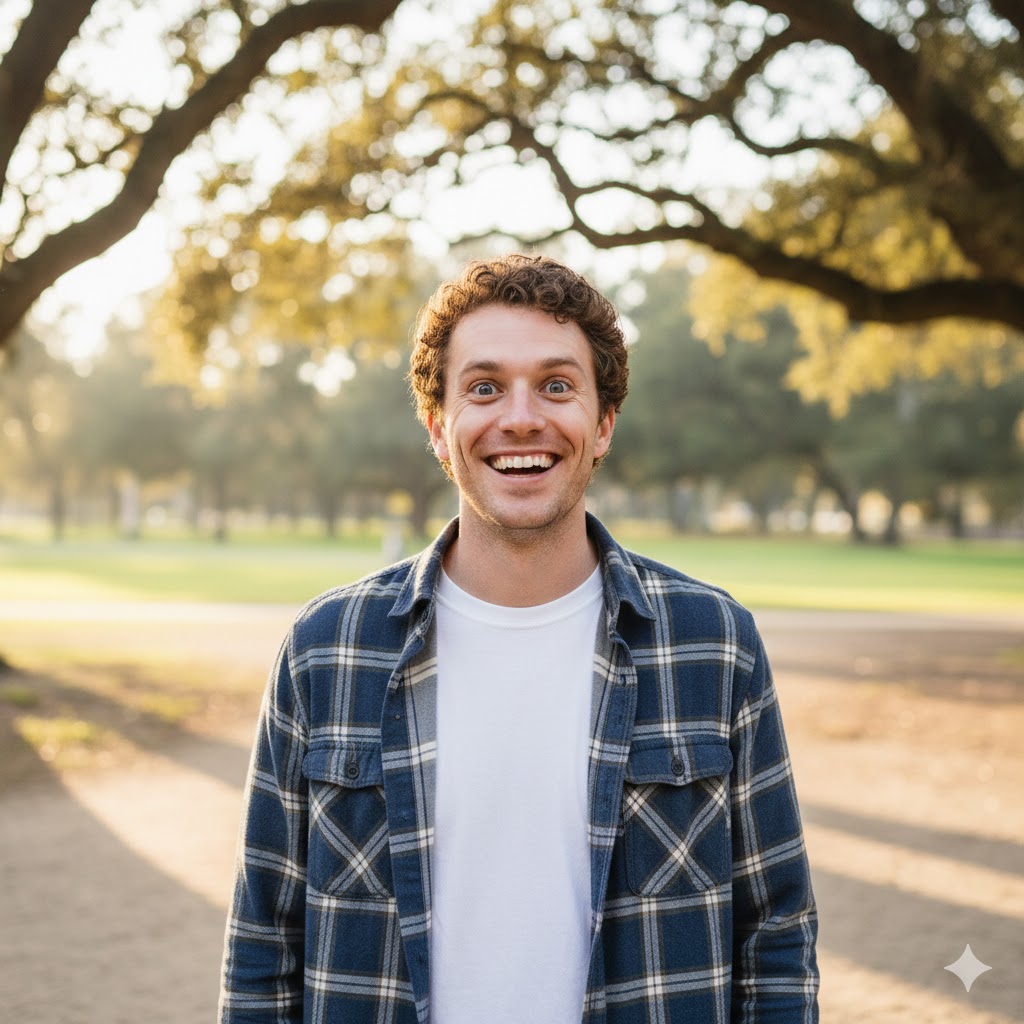
Now, upload a second photo of that same person where they actually have their eyes open. It doesn't have to be perfect, but the closer the head angle, the better.
4. Hit "Swap" and Relax
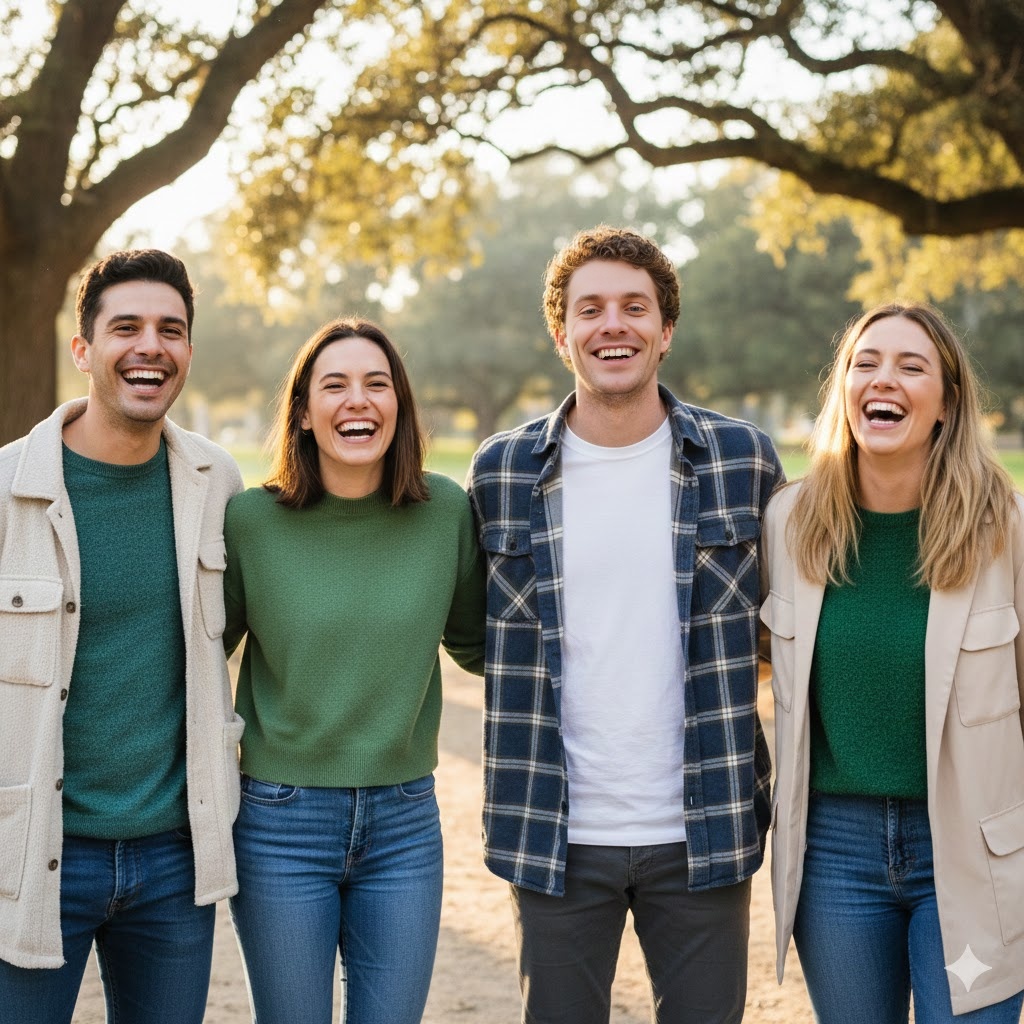
This is where it gets cool. Our AI doesn't just "sticker" eyes onto a face. It looks at the skin texture, the light, and the direction of the gaze to synthesize a look that actually belongs there. No "uncanny valley" vibes here.
Bonus: The "Group Photo" Survival Guide
Fixing a solo selfie is easy. But fixing a group masterpiece where your cousin is squinting and your aunt is looking away? That's where things get tricky. If you're trying to save a big wedding or family photo, here is my "secret sauce":
-
The "Same Vibe" Rule: When picking a reference photo, try to find one taken at the same event. Using a professional headshot from three years ago to fix a beach party photo will look... weird.
-
Don't Fix What Isn't Broken: Our AI lets you select only the face that needs help. Just pinpoint the "blinker" and let the AI do the surgical work.
-
The "Neighbors" Check: Once the swap is done, zoom out. Does the skin tone match the rest of the group? Our tool is great at auto-matching, but always give it a quick "eye-test" to make sure it looks natural.
-
Batch it if you have to: If three people blinked, just run the process for each person one by one. It's still faster than a re-shoot!
Pro Tips for an Invisible Fix
-
Watch the Angle: If they're looking left in the "closed eye" photo, find a reference shot where they're also looking left.
-
Resolution Matters: High-quality uploads give the AI more "data" to work with, meaning clearer eyelashes and realistic irises.
The Bottom Line
Don't let a mistimed blink ruin a wedding photo or a once-in-a-lifetime vacation shot. Whether you're dealing with a squinting toddler or a shutter-shy friend, you can fix closed eyes in photos online with just a few clicks.
Ready to save your memories?
Try Our AI Eye-Opening Tool Free